AI girlfriend videos & scene ideas
AI Girlfriend Videos: Realistic and Anime Scenes
Watch realistic and anime AI girlfriend clips, then plan a scene you would want to share with her. Choose a dinner date, a late-night walk or an unexpected invitation, and decide how close the camera should feel.
Compare realistic and anime clips, then pick a scene and save an opening idea.
Realistic and anime AI girlfriend videos
A photographic look or an illustrated character? Watch a short clip of each and see which style catches your eye.
Realistic
Light, expression and movement with a photographic look.
Anime
Illustrated features and movement in an anime style.
Example clips · Source: GoLove
AI girlfriend video scenarios

Dinner date with Lucia
Lucia booked the table. You get to guess the occasion.
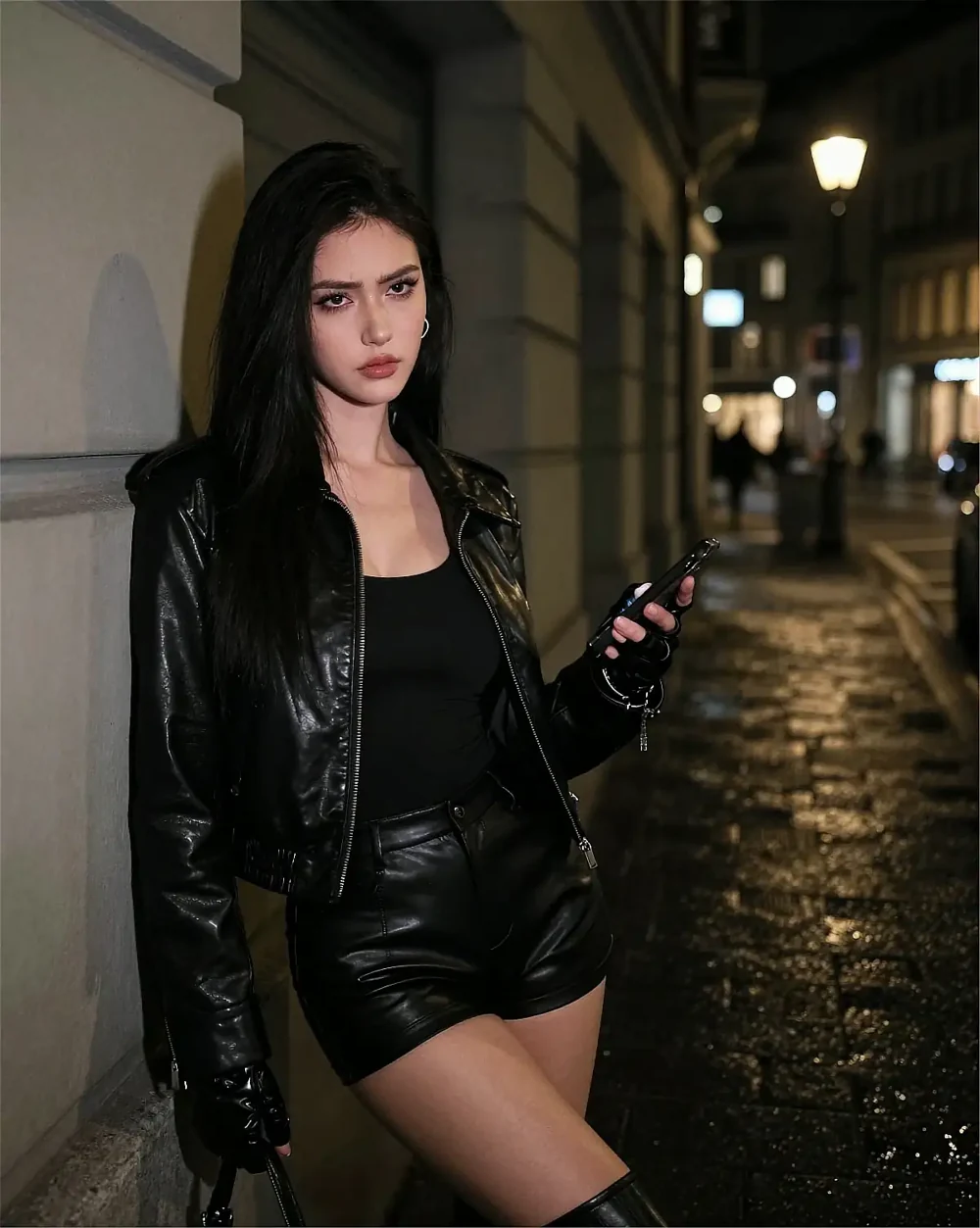
A Late-Night Walk with Aurelia
Aurelia knows the way to the station. She takes the other turn.

Claire’s Secret Invitation
Claire is waiting on the stairs with an unopened envelope.
AI girlfriend video characters
Romantic, spontaneous or mysteriousHow do I describe an AI girlfriend video scene?
Describe the character, setting, one main action and the camera view. For example: “An adult woman in a red dress turns toward me at a quiet restaurant table; close-up, warm evening light, a teasing smile.” Keep the request focused. Several actions, outfit changes and camera movements in one short scene can make the result harder to control.
What details make an AI girlfriend scene feel personal?
Choose details that express your relationship: she brings the drink you always order, saves the seat beside her or pauses before asking you to stay. Add a setting and an expression that fit those actions. A recognizable moment of attention usually says more about the connection than a long list of appearance details.
Should I choose a close-up or a portrait view?
Use a close-up for eye contact, a smile or a quiet reaction. Use a portrait view when her posture, clothing or surroundings are important to the scene. Choose the view that makes the intended interaction easiest to read; a closer crop is not automatically more intimate.
How is an AI video clip different from a live video call?
A clip plays a recorded or generated sequence; it does not respond to what you say while watching. A live video call is interactive and depends on the service supporting real-time conversation. The videos on this page are clips. If you want a live experience, check that the chat service explicitly offers it.
Choose the character behind your idea
Customize an AI girlfriend character
Explore the characters or choose an appearance, personality and interests in the studio before starting a chat.